Jetson Nano A02、B01和2Gb版本的区别
自从Jetson Nano价格一飞冲天以来,对以Jetson Nano作为主要开发平台的团队造成巨大的影响,因此我们把目光重新投向不同版本的Jetson Nano, 以最少的成本选择合适的主板才是最优资源利用策略。本文讨论Jetson Nano A02、B01和2Gb版本之间的区别,帮助大家更有效地进行选择。

10 篇文章
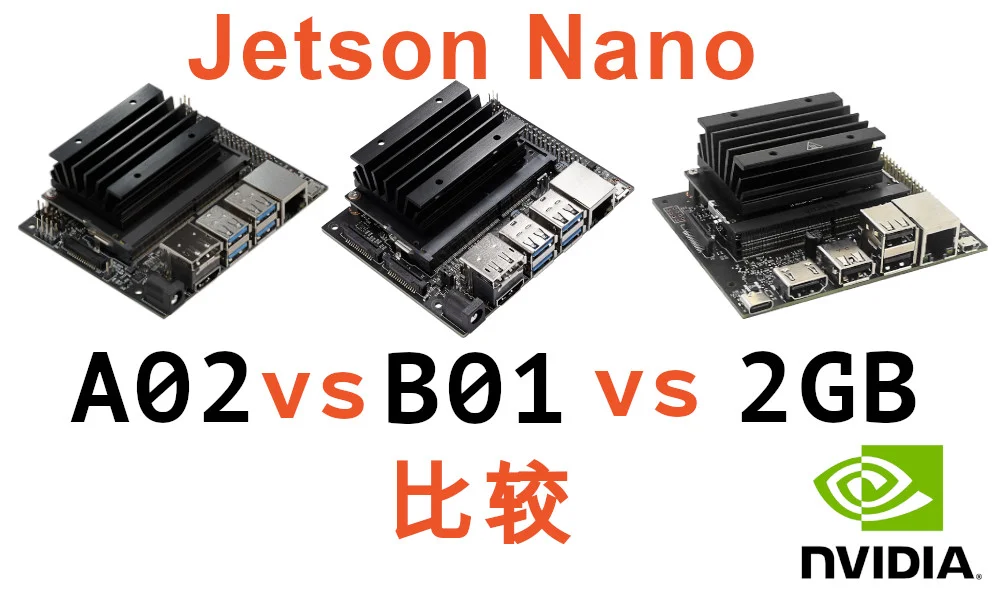
自从Jetson Nano价格一飞冲天以来,对以Jetson Nano作为主要开发平台的团队造成巨大的影响,因此我们把目光重新投向不同版本的Jetson Nano, 以最少的成本选择合适的主板才是最优资源利用策略。本文讨论Jetson Nano A02、B01和2Gb版本之间的区别,帮助大家更有效地进行选择。
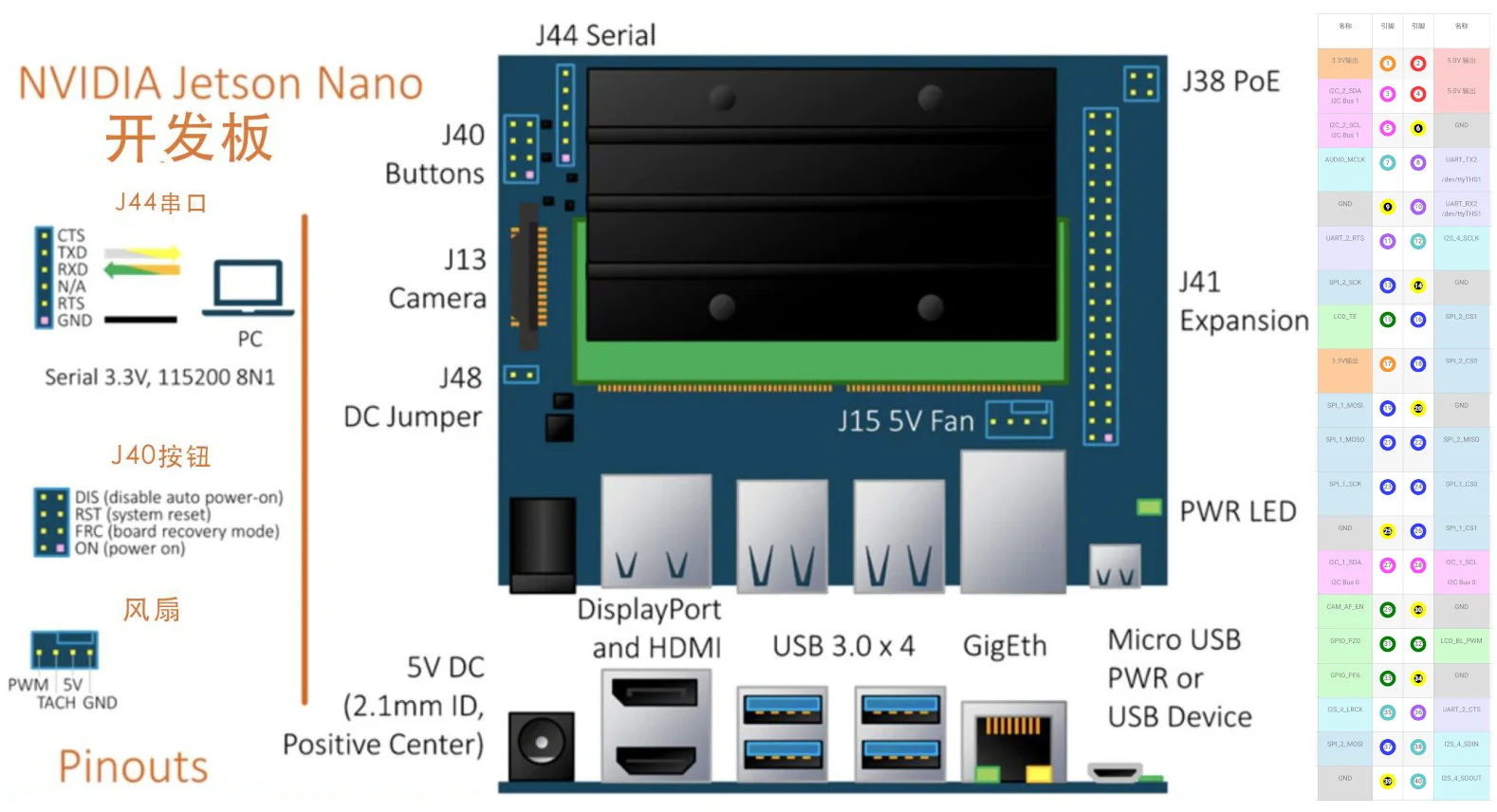
Jetson Nano 主板采用小型双列直插式内存模块 (SO-DIMM) 外形尺寸,插入一块 100x80mm 开发板上。开发板上有许多典型的计算机接口,如 USB 3.0、千兆以太网和视频(支持 4k 60fps)。本文要详细介绍一下Jetson Nano的40针引脚,并分析其功能特点。
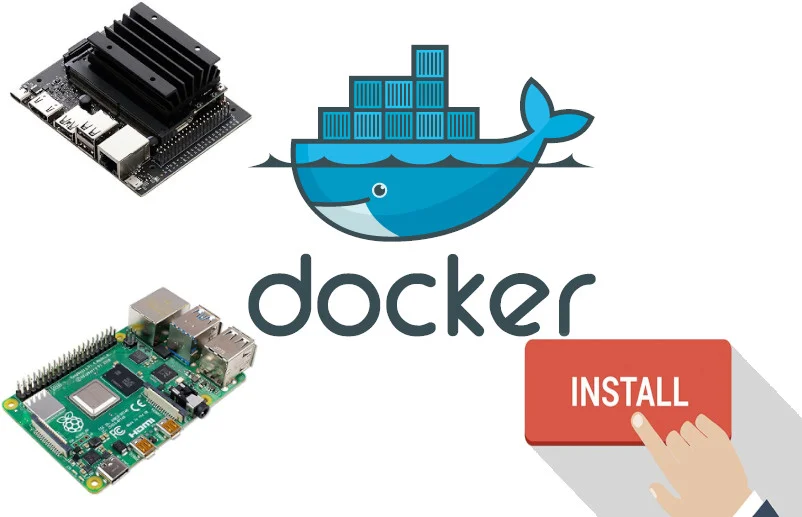
Docker is a popular platform for developing, shipping, and running applications. It helps you separate your applications from infrastructure so you can deliver software quickly. You don't need to worry about application compatibility with the operating system or missing library files, making it perfect for use on single-board computers. This article covers the universal Docker installation method, tested successfully on both Raspberry Pi and Jetson Nano.
Docker是一款流行的应用程序开发,发布和运行平台,能够帮助你将应用程序与基础架构分离,以便快速交付软件。你可以不用担心应用软件和操作系统不兼容或者缺少某些特定的库文件的问题,因此它特别适合在微型电脑上使用。本文介绍通用的安装Docker方法,在树莓派和Jetson Nano上都测试过,能成功安装。
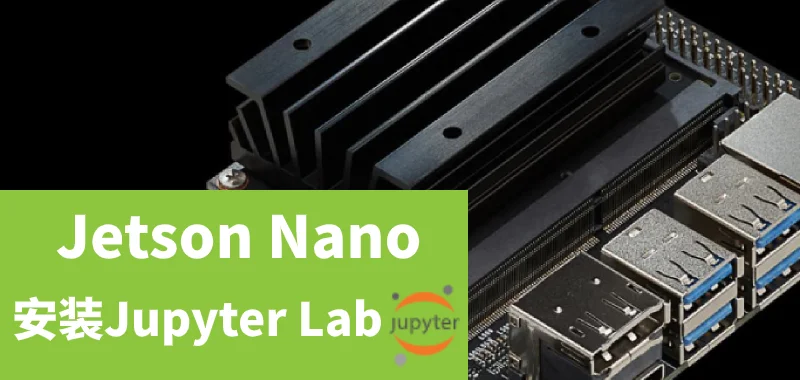
Jetpack 4.3 was recently released with many new features and system optimizations. Eager to try it out, I flashed the SD card and discovered that unlike the Jetbot image, Jupyter Lab wasn't pre-installed. How could such a great Python web editor be missing? So began my day of tinkering. > > This article is based on research, translation, and hands-on practice with troubleshooting. > If there are any omissions or errors, please correct them. Now sharing the Jupyter installation...
最近发布了Jetpack 4.3 ,添加了不少新功能和优化了系统。创客出手小编,迫不及待地刷了SD卡,进入系统后发现没有像Jetbot的image那样预安装jupyter lab,这么好用的Python网页编辑器怎么能没有呢?于是,就开启了折腾的一天。 > > 本文经过资料搜集,翻译等再加上自己踩坑填坑,实践的理解, > 如果有遗漏错误的地方请指正。 创客出手,现在就分享安装Jupyter...
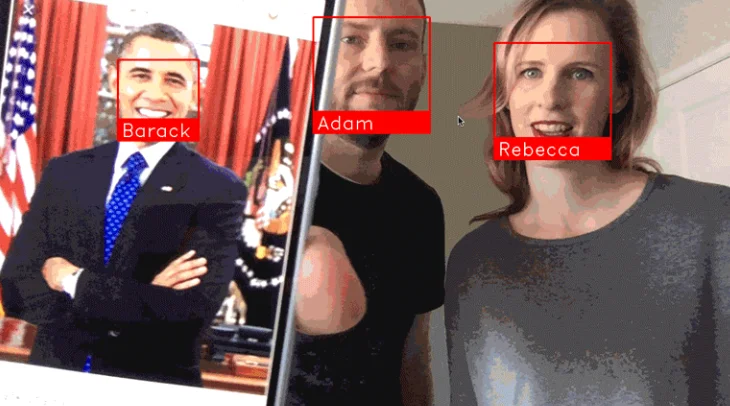
Learn how to build a face recognition monitoring system for your doorstep with a 1000 yuan budget: All you need is a Jetson Nano with a simple camera to identify and record visitors to your door. Through the face_recognition module, you can monitor in real-time whether visitors have been there before, and record exactly when and how many times they visited. Even if they wear different clothes each time, the system can still recognize them. NVIDIA's Jetson...
教你用1000元预算打造家门口的人脸识别监控系统: 我们只需Jetson Nano配上一个简单的摄像头就能实现识别和记录来访你家门口的人员。 通过人脸识别模块face_recognition,能够实时监控到来访人员是否曾经来过,并且记录具体什么时候和多少次来访。即使他们每次来访是穿不同的衣服,系统也是能够识别出来的。 英伟达的Jetson...
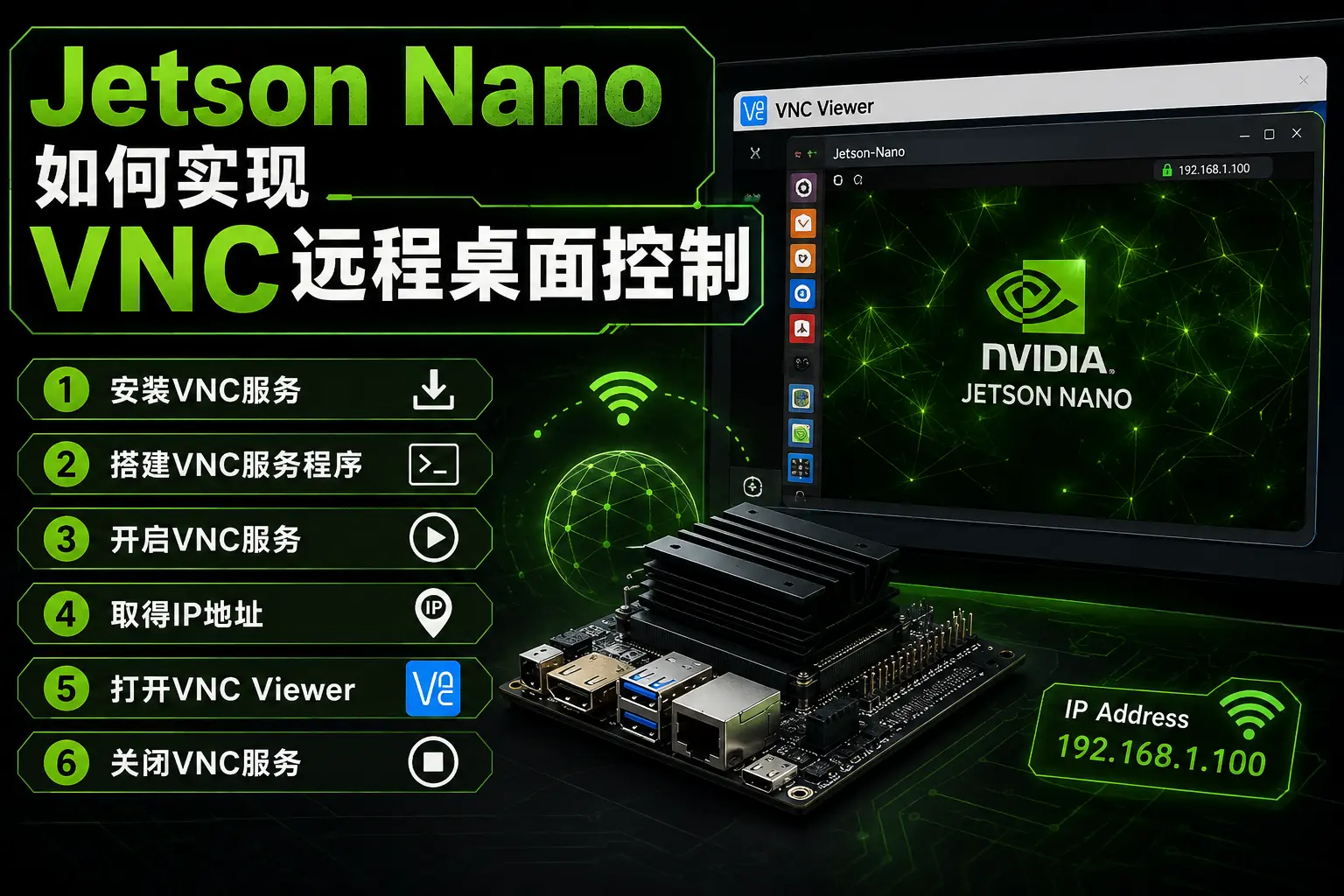
This tutorial teaches you how to VNC into your Jetson Nano for remote desktop control without connecting a monitor. While Raspberry Pi's official system comes with RealVNC server pre-installed, requiring only a VNC Viewer download on your computer for convenient remote access, Jetson Nano isn't as straightforward. Without further delay, here's the official VNC setup tutorial: 1. Install VNC Service First, on the Jetson...
本文教你如何实现VNC到你的Jetson Nano,这样就不需要连接屏幕来实现远程桌面控制啦。 树莓派官方系统默认是安装了RealVNC的服务,只需在电脑上到RealVNC官方下载软件VNC Viewer,即可方便VNC实现树莓派远程桌面控制。然而……Jetson Nano就没这么直接了。 事不宜迟,以下是搭建VNC服务的正式教程: 1. 安装VNC服务 首先在Jetson...